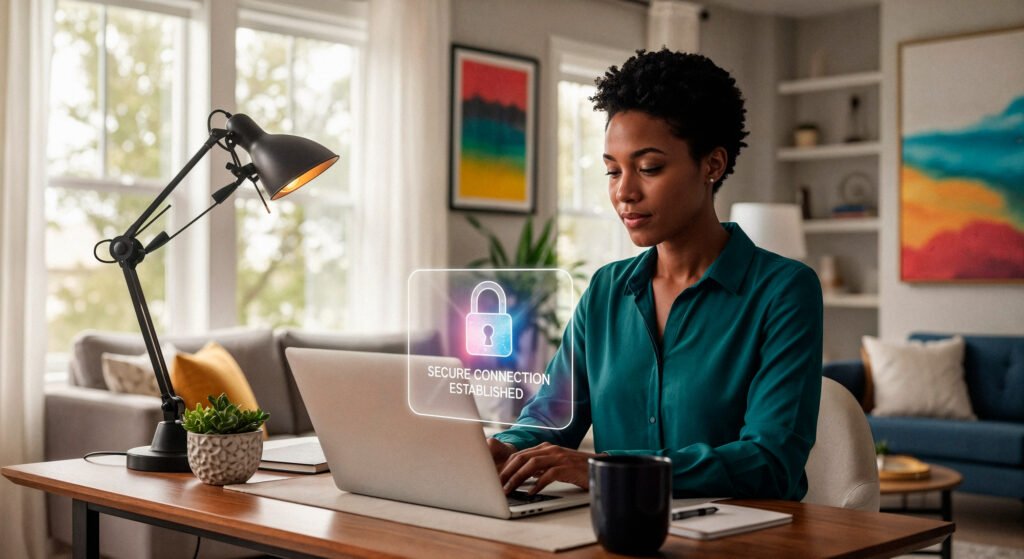
In 2025, cyberattacks are no longer rare, every website is a potential target, including small business sites in Cameroon. Even a single security breach can cost you customers, money, and your reputation. The good news? You can implement essential protections in under 5 minutes and dramatically reduce your risk.
Here’s how.
1. Use a Strong, Unique Password
The simplest security measure is often the most ignored.
Avoid passwords like
123456,password, or your business name.Use a combination of uppercase, lowercase, numbers, and symbols.
Example:
C@m3r00n!2025#Never reuse the same password across multiple accounts.
A strong password protects your login from automated attacks.
2. Enable Two-Factor Authentication (2FA)
2FA adds an extra layer of security.
Even if someone steals your password, they can’t log in without your phone or email verification.
Most platforms (WordPress, hosting providers, email services) support 2FA.
Apps like Google Authenticator or Authy make it simple.
Turning this on takes less than a minute and blocks the majority of attacks.
3. Keep Your Website Updated
Hackers exploit outdated software.
Always update your website platform (WordPress, Joomla, Drupal, etc.)
Update plugins, themes, and extensions regularly
Hosting providers often offer one-click updates
Even a single outdated plugin can leave your site vulnerable.
4. Install an SSL Certificate
SSL encrypts the connection between your website and your visitors.
Look for
https://and a padlock in your browserMost hosting services offer free SSL certificates
This prevents hackers from intercepting sensitive data like emails or payments
SSL also improves trust and boosts search engine rankings.
5. Backup Your Website Regularly
If something goes wrong, backups save your site.
Set up automatic daily or weekly backups
Store backups offsite (Google Drive, Dropbox, or your hosting provider)
Make sure you can restore your site in minutes
Backups don’t prevent attacks but give you peace of mind and fast recovery.
6. Limit Login Attempts
Hackers often try thousands of password combinations.
Use plugins or hosting features to limit login attempts
After 3–5 failed tries, lock the user out temporarily
This blocks most brute-force attacks automatically
7. Use Security Plugins or Services
Even a small website can benefit from security tools.
Plugins like Wordfence, Sucuri, or iThemes Security
Hosting services like Nexbyt’s VigilantBot monitor your site continuously
These tools detect malware, suspicious login attempts, and vulnerabilities
Setup takes minutes and protects your site 24/7.
Final Tip
Security is about layers. The more simple measures you apply, the harder it is for hackers to break in.
In under 5 minutes, you can:
Set strong passwords
Enable 2FA
Update your site
Install SSL
Set up backups
Add VigilantBot or similar monitoring for continuous protection, and your website becomes a fortress.
Protect your business today, a secure website keeps your customers and reputation safe.


 By Nexbyt Technology


No comment yet, add your voice below!